How to Reset Your Window Air Conditioner in 7 Easy Steps
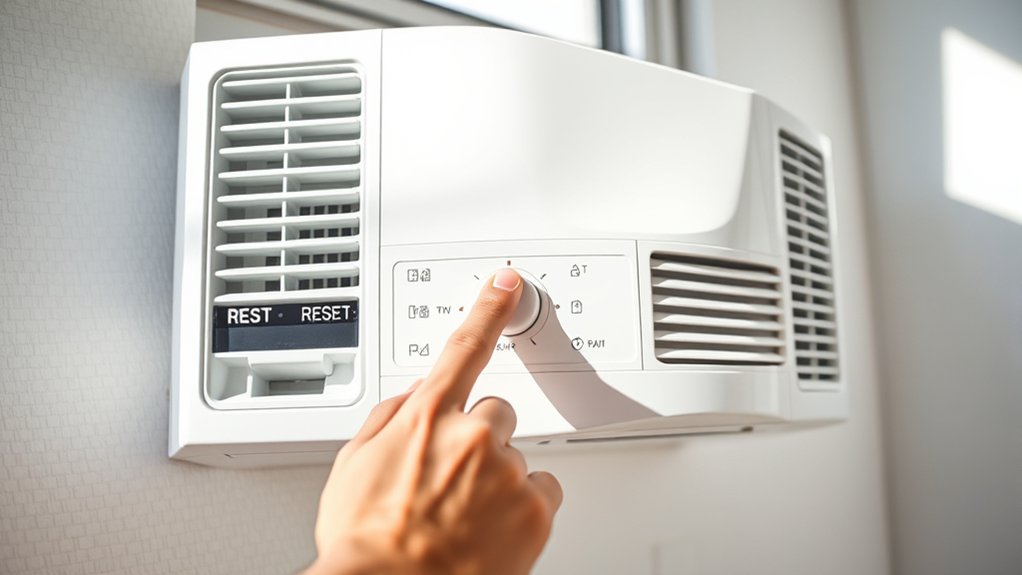
To reset your window air conditioner in seven easy steps, first turn off the power by unplugging the unit or switching off the circuit breaker to guarantee safety. Locate the reset button, usually on the control panel or near the power cord, and press it for 3 to 5 seconds while the unit is unplugged.
Alternatively, you can switch the thermostat to off and cut power for five minutes. After that, restore power, restart the unit, and test the cooling performance. If the issues persist, exploring further troubleshooting can help.
Turn Off Power to Your Window Air Conditioner for Safety
Before you begin resetting your window air conditioner, make sure to turn off its power by unplugging it from the wall outlet or switching off the circuit breaker. This step is really important for safety and helps prevent electrical shock during maintenance. Always check that the power indicator light is off before you move on.
Always unplug or switch off the breaker before resetting your window air conditioner for safe maintenance.
If the unit has been running, give it some time to cool down so you don’t risk getting burned. When handling power switches, use a dry, non-conductive tool to reduce the chance of shock.
It’s a good idea to consult your owner’s manual too, since the way to power off your AC might be a bit different depending on the model.
Following these power-off steps carefully will keep you safe and protect your air conditioner while you reset it. Taking these precautions really makes the whole process smoother and worry-free.
Locate the Reset Button on Your Window AC
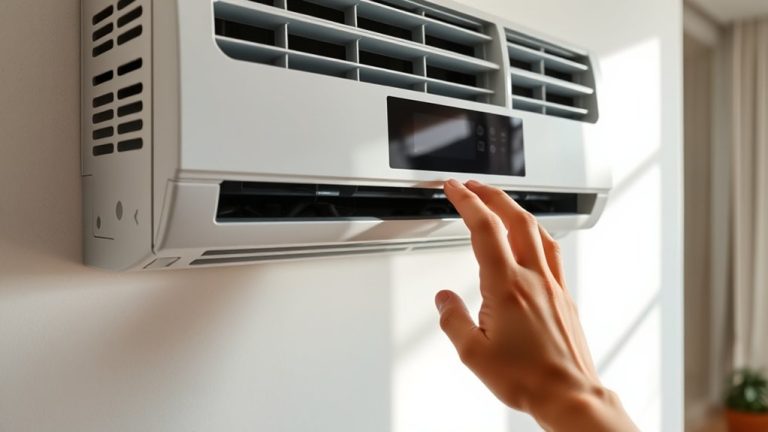
You’ll usually find the reset button on the control panel or somewhere close to the power cord, and it’s often clearly labeled “reset.”
In some models, though, it might be hidden behind a service panel. If that’s the case, you’ll need a screwdriver to open it up and find a colored button—usually red or yellow.
If you don’t spot a reset button at all, don’t worry. Just unplug the unit for about five minutes, and that will usually do the trick.
Reset Button Location
Most window air conditioners feature one easily accessible reset button, usually located on the control panel or near the power cord connection. To reset your air conditioner effectively, check these common reset button locations before consulting your owner’s manual. Some units hide the reset button behind a service panel, requiring a screwdriver for access.
The button is often red or yellow and clearly labeled. If no reset button is found, unplugging the unit for about 5 minutes can reset the cooling system. Consult your owner’s manual for model-specific instructions to guarantee proper handling.
| Location | Access Method | Notes |
|---|---|---|
| Control Panel | Directly press | Common, clearly labeled button |
| Near Power Cord | Visible button | Easy access |
| Behind Service Panel | Screwdriver needed | May require panel removal |
| No Visible Button | Unplug for 5 mins | Alternative reset method |
| Owner’s Manual | Reference guide | Model-specific instructions |
Identifying Reset Features
Several window air conditioners include a reset button clearly marked in red or yellow to help you quickly restore normal operation. Typically, you’ll find the reset button on the control panel or near the power cord connection.
If your unit lacks a visible reset button, unplugging it for about five minutes serves as an effective reset method. Some models require you to open a service panel, often needing tools, to access the reset button.
To identify the exact location and procedure, always consult your window air conditioner’s user manual. Understanding these reset features guarantees you can promptly resolve operational issues without unnecessary delays or service calls.
Use the reset button or unplugging method as your first troubleshooting step for a reliable reset. It’s a simple way to get your unit back to working smoothly without waiting for professional help.
Just keep your manual handy, and you’ll be set!
Reset Your Window Air Conditioner by Pressing the Button
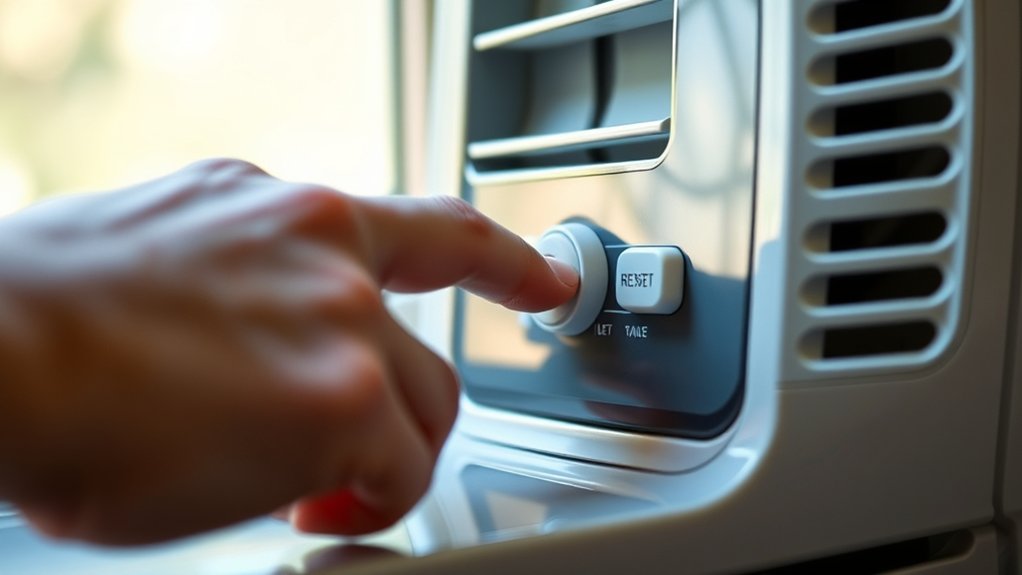
Begin by turning off your window air conditioner and unplugging it from the power outlet to guarantee safety.
Locate the reset button, usually on the control panel or near the power cord connection. It’s often marked “reset” and colored red or yellow.
Press and hold this reset button for 3 to 5 seconds to initiate the reset process. Then, release the button, plug the unit back into the power outlet, and turn it on. This procedure helps restore proper operation by clearing minor faults.
If your air conditioner doesn’t have a reset button, don’t worry. Just perform a manual reset by unplugging the unit for about five minutes before plugging it back in.
Using the reset button or doing a manual reset makes sure your window air conditioner works correctly without needing any extra steps.
How to Reset Your Window AC Using Thermostat and Circuit Breaker
Anyone looking to reset their window air conditioner using the thermostat and circuit breaker should first switch the thermostat from “cool” to “off” to power down the unit. This action interrupts the cooling cycle and prepares the system for a full reset.
Next, locate the circuit breaker that supplies power to the air conditioner and turn it off to cut electrical current completely. Allow the system to remain without power for about five minutes. This pause lets the air conditioner clear temporary faults or glitches.
Turn off the circuit breaker powering your air conditioner and wait five minutes to clear temporary faults.
After this waiting period, you’ll be ready to restore power, but for now, keep the circuit breaker off and thermostat set to off as the system resets internally.
This method guarantees a thorough reset by addressing both the control and power components of your air conditioner.
Restore Power and Restart Your Window Air Conditioner
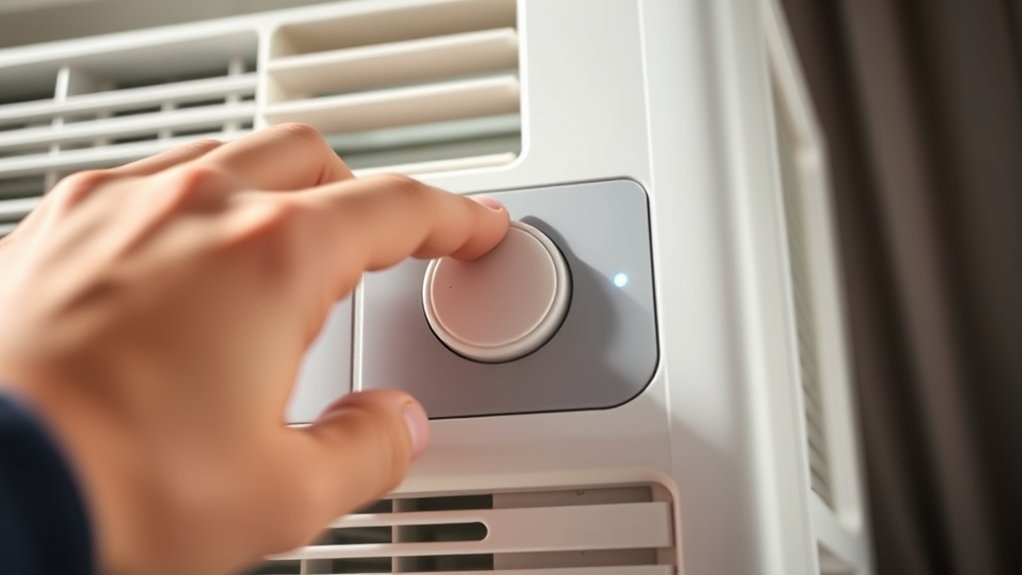
To restore power and restart your window air conditioner, first make sure the unit is turned off and unplugged from the electrical outlet. Unplugging the AC guarantees safety during the resetting process. Wait about five minutes to allow the internal systems to fully reset.
After this, plug the unit back into the power outlet. Next, turn it on via the control panel or remote to restore power.
If your model includes a reset button, press and hold it until you hear a click or see an indicator light, confirming that resetting your AC is complete. This step helps recalibrate the system.
Once restarted, monitor the unit’s operation for improvements in cooling performance. This will confirm that the reset was successful and the AC is functioning at peak efficiency.
Test Your Window AC to Confirm It’s Working Properly
After resetting your window air conditioner, set the thermostat at least a few degrees below the current room temperature to make sure it starts cooling effectively.
Give the unit a few minutes to stabilize and begin producing cool air.
Allow the air conditioner a few minutes to settle and start delivering cool air effectively.
Keep an eye on the airflow from the vents and listen for any unusual noises or signs that airflow might be reduced. These could point to underlying issues that need attention.
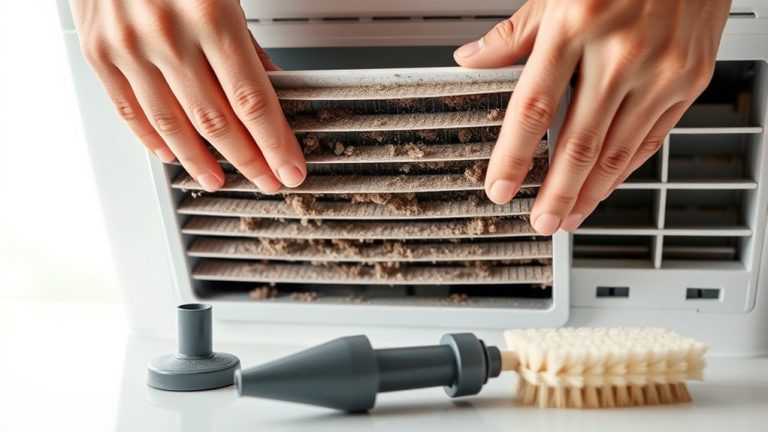
Also, check the air filter to make sure it’s clean and not blocked, because a dirty filter can really hurt cooling performance and airflow quality.
It’s a good idea to compare recent energy bills too. If you notice a sudden jump in energy use, your air conditioner mightn’t be working efficiently after the reset.
Troubleshoot Common Window AC Issues After Reset
If your window AC still struggles to cool effectively after a reset, the first thing to do is check the thermostat settings and make sure they’re working properly.
Sometimes, the thermostat might be set too high or could be malfunctioning without you realizing it.
After that, take a look at the electrical connections.
It’s important to ensure the unit is getting consistent power because any loose or faulty wiring can cause cooling issues.
Identifying Persistent Cooling Problems
When your window air conditioner keeps blowing warm air despite a reset, start by verifying that the thermostat is set below the current room temperature.
If the issue persists, consider these key checks:
- Inspect the dirty air filter; a clogged filter restricts airflow, causing warm air blowing and short cycling.
- Examine the outdoor unit for debris or obstructions that impair condenser performance.
- Listen for unusual noises like rattling, which may indicate loose components needing immediate attention.
- Monitor refrigerant levels; low refrigerant can reduce cooling efficiency and often requires a professional technician to diagnose and refill.
Addressing these factors guarantees your air conditioner unit operates at peak performance after a reset.
It also helps you identify persistent cooling problems effectively.
Addressing Thermostat Malfunctions
Confirm that the thermostat is set to “cool” mode and the temperature is lower than the current room temperature to guarantee proper operation.
If your window AC is still blowing warm air after you reset the system, inspect the thermostat closely. Make sure it’s not obstructed by furniture or curtains, which can cause inaccurate temperature readings and reduce performance.
For digital thermostats, try removing and reinserting batteries to reboot the device. If issues persist, replace batteries or consider recalibrating the thermostat to restore accurate responsiveness.
Regularly clean the thermostat area to prevent dust buildup that might interfere with its function.
Addressing these thermostat malfunctions promptly helps maintain consistent cooling and prevents recurring problems after resetting your window air conditioner.
It’s a simple step that can save you a lot of hassle down the line. So, don’t overlook it!
Detecting Electrical Connection Issues
Although resetting your window air conditioner can resolve many issues, electrical connection problems often prevent the unit from powering on or functioning correctly.
To troubleshoot these mechanical or electrical faults in your air conditioning system after you reset my AC, follow these steps:
- Verify the AC unit is securely plugged into a live outlet; loose connections can cause power failure.
- Inspect the power cord for frays or damage that might interrupt electrical flow.
- Check the breaker panel for tripped breakers or blown fuses, especially after a power outage.
- Test the outlet with another device to confirm functionality. If the outlet is dead, you’ll need a licensed HVAC professional to repair it.
Addressing these connection issues guarantees your window air conditioner operates safely and efficiently.
Taking a few minutes to check these can save you time and hassle later on.
Frequently Asked Questions
Can I Reset My Window AC Without Unplugging It?
Yes, you can reset your window AC without unplugging it by using the reset button on the control panel or power cord. This is one of the essential AC troubleshooting tips.
If the reset button isn’t available, just turn the thermostat off, wait about five minutes, then turn it back on. This simple step helps clear common error codes and supports basic maintenance.
Doing proper resets can boost energy efficiency and get your AC ready for seasonal changes. It also helps reduce noise and improves remote control responsiveness.
How Often Should I Reset My Window Air Conditioner?
You should reset your window air conditioner as part of your maintenance schedule, typically before and after seasonal checks.
Resetting helps address common issues like short cycling or warm air output and supports energy efficiency.
Combine resets with filter replacement and troubleshooting tips to maintain ideal temperature control.
Just don’t overdo it with the resets. If problems keep popping up, it’s a good idea to call in a professional.
Regular resets keep your unit running smoothly and can help extend its lifespan.
Will Resetting Erase My Thermostat Settings?
Resetting your window air conditioner usually won’t erase your temperature settings. That’s because many models have built-in thermostat features designed to retain your preferences.
But keep in mind, some models might revert to default settings, so it’s a good idea to check your user manual for details.
To keep things running smoothly and energy-efficiently, try to note your settings before you reset. This way, you won’t have to guess what you’d before.
Plus, following some simple maintenance tips and troubleshooting steps can help avoid common issues.
Can Resetting Fix a Leaking Window AC?
Resetting your window AC won’t permanently fix leaking issues, but it can help realign components temporarily. Common causes include clogged drain lines, damaged drain pans, or low refrigerant levels.
Use troubleshooting tips like checking filters and clearing obstructions as part of your maintenance advice.
If leaks persist despite resetting, explore repair options and seek professional help. This will help address underlying problems and guarantee efficient operation.
Sometimes, a simple reset isn’t enough, so it’s best to get a proper fix.
Is It Safe to Reset the AC During a Storm?
Resetting your AC during a storm isn’t the wisest move. For storm safety, you should avoid electrical risks like power outages or surges that could harm your unit.
Even with surge protection, it’s best to wait until conditions stabilize.
Prioritize emergency measures and follow maintenance tips by unplugging the unit or switching off the breaker first. This preserves AC performance and guarantees your safety during unpredictable weather.
Just hang tight until the storm passes before resetting your AC.
Conclusion
So, who knew resetting your window air conditioner could be this straightforward? By simply flipping switches and pressing a button, you’ve just performed what feels like high-tech wizardry. If only all home repairs were this predictable!
Remember, safety first. Always cut power before you tinker. Now that your AC’s back to blasting cool air, you’re officially an expert in a task many avoid.
If issues persist, at least you’ve nailed the basics.