What Does Auto Mean on an Air Conditioner?
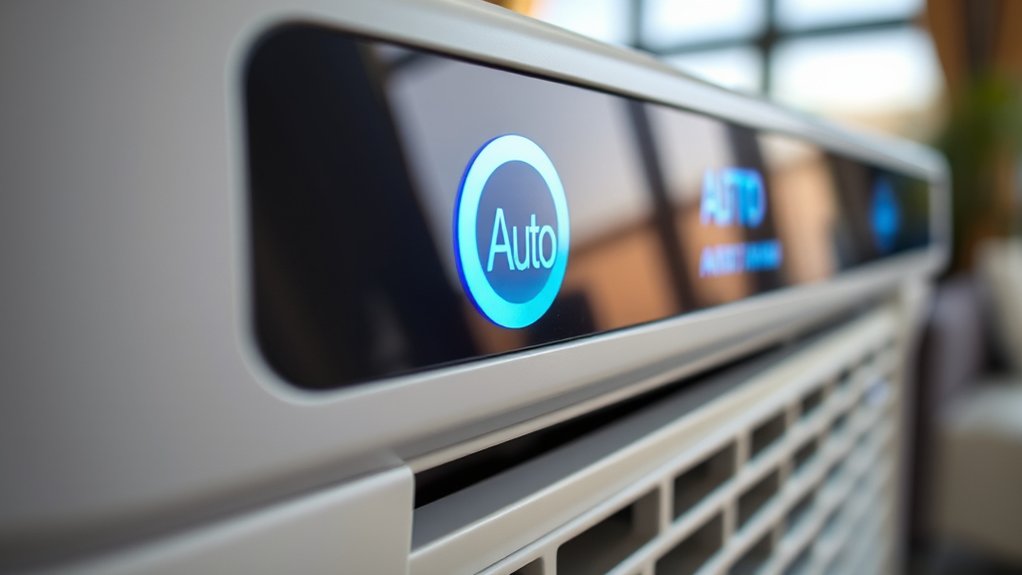
Auto mode on your air conditioner lets the unit automatically control cooling and fan speeds to keep your indoor temperature steady and comfortable. It uses a built-in thermostat to activate cooling only when necessary, improving energy efficiency by reducing unnecessary compressor operation.
This mode also helps manage humidity and limits wear on your system, potentially extending its lifespan. For a deeper understanding of how auto mode works and how you can optimize it, keep exploring the key features and tips.
Understanding Auto Mode on Air Conditioners
When you set your air conditioner to auto mode, it automatically adjusts the temperature and fan speed to keep your indoor climate stable without needing you to constantly change settings. This works because of a built-in thermostat that keeps an eye on the room temperature and turns the cooling on only when it’s really needed.
By cycling the system on and off based on the actual temperature, auto mode helps save energy and cuts down on power use. You’ll also notice the air conditioning feels more consistent since it stops those big temperature swings that often happen with manual settings.
Auto mode saves energy by cycling the system and prevents uncomfortable temperature swings for consistent cooling.
Plus, this mode reduces wear and tear by avoiding nonstop operation, which can help your unit last longer.
Auto mode also keeps indoor humidity in check, making the air feel better and more comfortable around your home, no matter the weather outside.
How Auto Mode Regulates Temperature
Auto mode regulates temperature by continuously monitoring the indoor climate through a built-in thermostat. It activates or deactivates the cooling system as needed.
When the indoor temperature rises above your set point, auto mode kicks in to cool things down efficiently. Once the desired temperature is reached, it stops the system to prevent unnecessary energy consumption.
This precise control keeps the temperature consistent without you having to do a thing. It really helps optimize energy efficiency.
By automatically adjusting cooling cycles based on real-time indoor temperature, auto mode reduces wear on the AC unit. It also prevents the system from running constantly.
This way, your space stays comfortable while minimizing energy waste, thanks to the system’s ability to adapt cooling output dynamically to changing room conditions.
Top Benefits of Auto Mode on Your AC
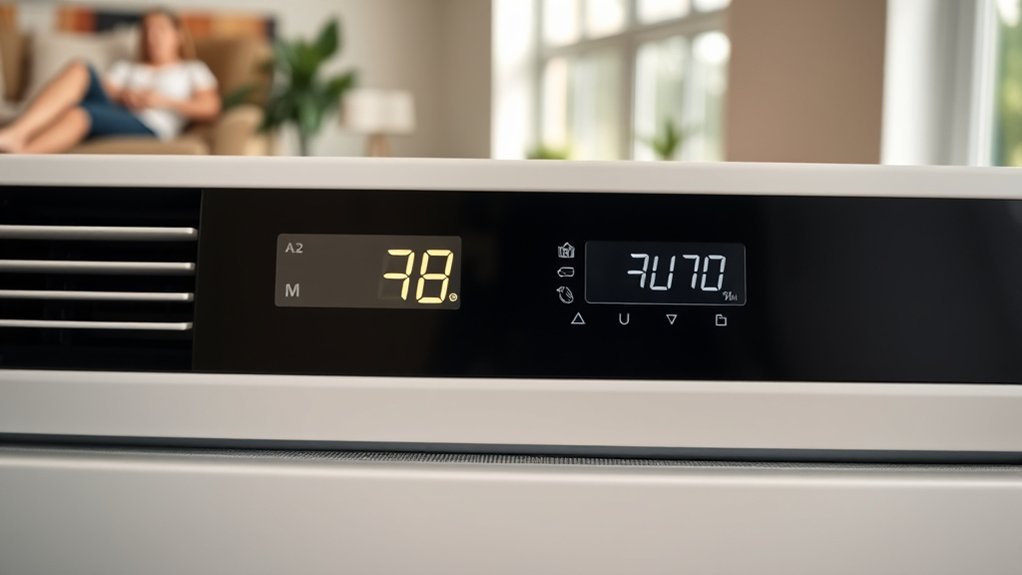
When you use auto mode on your AC, it helps optimize energy consumption by running only when it’s needed. This means you’ll likely see lower utility bills, which is always a plus.
Plus, it keeps an eye on the indoor temperature all the time, adjusting itself to maintain a steady, comfortable environment without you having to lift a finger.
This kind of precise control not only boosts efficiency but also makes sure your space stays comfy and stable.
Pretty convenient, right?
Energy Efficiency Gains
Because your air conditioner adjusts its cooling cycles only when necessary, you can reduce energy consumption by up to 30% using the automatic mode.
Auto mode optimizes energy efficiency by precisely regulating the compressor and fan operation, activating cooling only when the indoor temperature deviates from the set point. This targeted control helps you save energy and lowers your utility bills.
Air conditioners operating in auto mode avoid unnecessary cycling, which not only conserves power but also reduces wear on components, extending the unit’s lifespan.
Plus, maintaining a steady temperature prevents spikes in energy use, further enhancing cost-effectiveness.
By leveraging auto mode, you make sure your AC runs efficiently, minimizing energy waste while delivering reliable cooling performance and measurable savings on your monthly energy expenses.
It’s a smart way to keep cool without breaking the bank.
Consistent Temperature Control
Maintaining a stable indoor temperature plays an essential role in maximizing comfort and system efficiency. When you use auto mode on your air conditioner, it automatically adjusts cooling cycles based on real-time indoor temperatures. This precise control eliminates temperature fluctuations, providing consistent comfort without manual input.
By operating only when necessary, auto mode enhances energy efficiency, reducing overall power consumption and lowering utility bills.
Plus, keeping the temperature steady helps improve indoor air quality by preventing excessive humidity and stagnant air pockets.
Consistent operation in auto mode also reduces wear and tear on your AC unit, potentially extending its lifespan and cutting maintenance costs.
Especially during extreme weather, auto mode guarantees your home stays comfortable while optimizing system performance.
How Auto Mode on Your AC Saves Energy and Money
When you use auto mode on your AC, it tweaks the cooling cycles based on your indoor temperature. This makes the system way more energy-efficient. Because it’s targeting when and how much to cool, you can actually cut your monthly energy bills by up to 20% compared to just running the unit non-stop.
And here’s a neat tip: if you adjust the thermostat closer to the outdoor temperature while in auto mode, you’ll boost those savings even more. You could lower your cooling costs by another 3% to 5% for every degree you adjust.
Energy Efficiency Benefits
Although many homeowners manually adjust their air conditioners, using the auto mode optimizes energy efficiency by regulating cooling cycles based on indoor temperature.
Auto mode works by engaging the compressor only when cooling is necessary, which reduces energy consumption and prevents constant operation.
This precise control helps you save on energy, potentially cutting monthly utility costs by 10-30%. Plus, auto mode keeps things comfortable by avoiding those annoying temperature swings that often make the AC work harder than it needs to.
By running efficiently, it reduces energy waste and extends the system’s lifespan through less wear and tear. Setting your thermostat closer to the outdoor temperature in auto mode can further boost energy efficiency, giving you 3-5% savings per degree.
Cost Reduction Strategies
By using auto mode on your air conditioner, you directly influence your energy expenses through smarter operation.
Auto Mode enhances energy efficiency by running the AC only when necessary, preventing unnecessary electricity consumption. This targeted approach stabilizes indoor temperature and humidity, maintaining comfort and energy balance without constant manual adjustments.
Implementing this cost reduction strategy can reduce your cooling costs by 3% to 5% for each degree the indoor temperature aligns closer to the outdoor temperature. That means lower utility bills for you.
Plus, Auto Mode minimizes wear and tear by reducing frequent on/off cycling, which helps extend your unit’s lifespan and decrease potential repair costs.
Overall, leveraging Auto Mode is a precise, effective method to optimize comfort and energy while greatly cutting operational costs.
It’s a simple change that can make a noticeable difference in your energy bills and your air conditioner’s health.
Auto Mode vs. Fan On Setting Differences
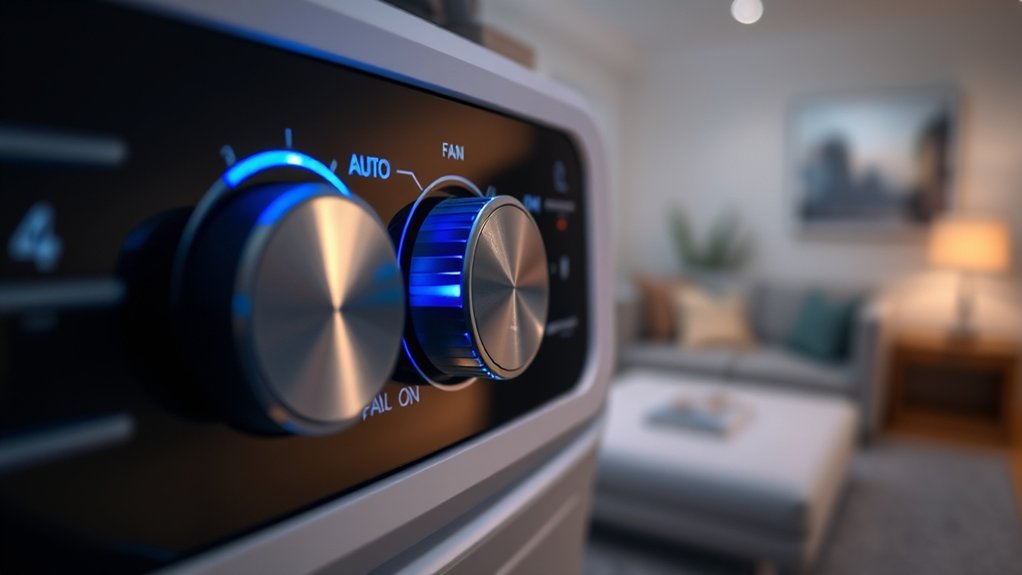
Since your choice between Auto mode and Fan On setting directly impacts system performance, understanding their operational differences is essential.
Auto mode runs the fan only during active cooling or heating cycles, optimizing energy efficiency by minimizing unnecessary fan operation.
Auto mode activates the fan solely during cooling or heating, maximizing energy efficiency by avoiding excess operation.
Conversely, Fan On keeps the fan running continuously, enhancing air circulation to reduce temperature inconsistencies but at the cost of increased energy consumption.
Auto mode also improves humidity control by allowing moisture to drain when the compressor stops, while Fan On can trap indoor humidity.
Furthermore, Auto mode reduces component wear by limiting blower motor runtime and the frequency of starts and stops.
Fan On’s constant operation increases strain on components, potentially shortening their lifespan.
Best Uses for Auto Mode in Cooling
When you want consistent indoor temperatures without constant adjustments, using auto mode in cooling is highly effective. Auto Mode optimizes cooling cycles by activating only when the temperature reaches a set threshold. This helps maintain a comfortable environment efficiently.
It also reduces energy consumption and boosts energy efficiency by preventing the AC from running unnecessarily. Auto Mode is especially great for extreme summer heat or when indoor conditions change often. Plus, it offers convenience and can even improve air quality.
Here’s a quick comparison showing when Auto Mode works best:
| Scenario | Auto Mode Benefit | Result |
|---|---|---|
| Extreme heat | Adjusts cooling cycles automatically | Stable, comfortable temperature |
| Energy-conscious users | Limits unnecessary operation | Reduced energy consumption |
| Variable occupancy | Responds to temperature changes | Maintains comfort without manual input |
When Auto Mode Might Not Be the Best Choice
You might notice that auto mode isn’t always the best option, especially when humidity levels are high. That’s because it tends to cycle the fan off, which means less moisture gets removed from the air.
Also, if the temperature varies a lot within a room, auto mode can have a hard time spreading the air evenly. This can lead to some spots feeling hot while others feel cold.
In situations like these, switching to the continuous fan setting can really help improve both comfort and humidity control.
High Humidity Challenges
Although auto mode offers convenience, it may not handle high humidity effectively, leading to discomfort and inefficiency. In such conditions, auto mode’s intermittent operation can cause inadequate humidity control, as the system may shut off before removing sufficient moisture. This results in poor comfort levels and noticeable temperature fluctuations, making indoor conditions feel muggy.
Plus, auto mode can strain system efficiency by frequently cycling on and off without effectively managing moisture.
Switching the fan to the “On” setting guarantees continuous air circulation, which enhances humidity control and stabilizes comfort levels.
Continuous fan operation also improves air quality by consistently filtering indoor air and reducing allergens linked to humidity.
For peak performance in high humidity, manual fan control often outperforms auto mode.
Uneven Temperature Distribution
Because auto mode doesn’t circulate air continuously, it can cause uneven temperature distribution, especially in larger or multi-level homes where cooling demands vary by area. Your HVAC system may create hot or cold spots if the thermostat is in a less representative location.
Auto mode aims for energy efficiency but may struggle with rooms exposed to sunlight or complex layouts. Running the fan continuously (“on” mode) can improve air distribution and comfort.
| Scenario | Auto Mode Effect | Recommended Action |
|---|---|---|
| Large multi-level homes | Hot or cold spots | Use continuous fan mode |
| Sunlit rooms | Thermostat misreads temp | Adjust thermostat location |
| Complex layouts | Uneven temperature distribution | Use “on” setting |
| High humidity | Reduced dehumidification | Supplement with fan “on” |
How Auto Mode Affects Your AC’s Wear and Lifespan
The fan motor plays an essential role in how Auto mode manages your air conditioner’s wear and lifespan. Auto Mode activates the fan only during cooling cycles, reducing unnecessary strain on the motor and other components. This controlled operation prevents continuous running that can cause overheating and premature wear.
By cycling the system based on the thermostat set point, Auto Mode maintains energy efficiency and limits frequent on-and-off changes that typically stress the compressor. These factors collectively extend the lifespan of your AC by minimizing mechanical fatigue and energy waste.
Fundamentally, Auto Mode balances operational demands, ensuring your air conditioner runs effectively without excessive wear. This way, it helps preserve the integrity and longevity of your system set.
How to Optimize Auto Mode Settings
Maintaining your air conditioner’s longevity through Auto Mode depends heavily on how well you configure and manage its settings.
To optimize Auto Mode for energy efficiency and comfort, start by adjusting the temperature to a moderate range of 74°F to 78°F. This strikes a balance between cooling and energy-efficient operation.
Set your Auto Mode temperature between 74°F and 78°F for optimal comfort and energy savings.
Moreover, regularly clean or replace air filters every 1-3 months to maintain airflow and system performance.
Utilize programmable features to schedule temperature changes throughout the day, allowing Auto Mode to adapt to your lifestyle and save energy when you’re away.
Finally, position your thermostat away from heat sources and direct sunlight to guarantee accurate temperature readings, enhancing Auto Mode’s effectiveness.
These steps make Auto Mode a reliable, energy-efficient option for your air conditioner.
Troubleshooting Common Auto Mode Issues
When your air conditioner’s auto mode isn’t cooling properly, start by verifying that the thermostat is set to the correct temperature and that the mode is indeed on “auto.” Inconsistent cooling often signals a clogged or dirty air filter. So, regular maintenance is essential to maintain airflow and system efficiency.
Short cycling may indicate an oversized unit or thermostat misplacement near heat sources. If auto mode fails to engage, check for error codes that suggest professional servicing is needed.
| Issue | Possible Cause |
|---|---|
| Inconsistent cooling | Dirty air filter |
| Frequent cycling | Oversized unit or thermostat placement |
| No auto engagement | Error codes, system faults |
Frequently Asked Questions
Can Auto Mode Be Used With a Smart Home System?
Yes, you can use auto mode with a smart home system through smart thermostat integration. This setup boosts energy efficiency by adjusting settings based on real-time data and your preferences.
It’s pretty handy because it takes the guesswork out of managing your comfort.
You’ll also enjoy remote control options, which makes the whole experience more convenient. Imagine adjusting your AC from your phone without having to be home.
Just keep in mind there might be some compatibility issues between your air conditioner and smart devices.
Making sure everything integrates properly is key. When done right, it lets your system run smoothly, keeps you comfortable, and helps save energy.
Does Auto Mode Adjust Humidity Levels Automatically?
Yes, auto mode adjusts humidity levels automatically by balancing cooling cycles, fan speed, and compressor operation to optimize comfort and humidity control.
It helps improve energy efficiency by running only when necessary, which boosts system performance while keeping your preferences in mind.
That said, how well it works depends on your system’s sensors and settings.
For the best humidity control, it’s a good idea to combine auto mode with regular maintenance and proper thermostat calibration.
This way, you can keep your space comfortable and efficient without any hassle.
How Does Auto Mode Affect Air Filter Replacement Frequency?
Auto mode extends your air filter lifespan by reducing continuous airflow, which lowers dust accumulation.
This means you can space out filter replacements, optimizing your maintenance schedule. With less frequent replacements, you maintain better air quality and enhance your user comfort.
Plus, running the AC only when needed improves energy efficiency.
Still, it’s a good idea to check your filters regularly to make sure they don’t get too dirty and compromise performance over time.
Is Auto Mode Compatible With All AC Brands and Models?
Auto mode isn’t compatible with all AC brands and models. You’ll find it mainly on modern, high-efficiency units with advanced Auto mode settings designed to optimize energy use and comfort.
Some budget or older models just don’t have this feature, so you might miss out on the benefits of Auto mode.
Keep in mind, thinking it works universally can lead to some frustration. It’s always a good idea to check your unit’s manual to understand how Auto mode performs and what potential drawbacks might be specific to your model.
Can Auto Mode Prevent Mold Growth Inside the Unit?
Yes, auto mode helps with mold prevention by maintaining temperature stability and optimizing humidity control inside the unit. This reduces condensation, which limits mold growth.
You’ll also boost air quality since the system runs efficiently, avoiding excessive moisture buildup.
Auto mode supports energy efficiency by cycling the compressor appropriately, lowering wear and improving system maintenance.
Conclusion
Now that you know how Auto mode smartly adjusts your air conditioner to balance comfort and efficiency, imagine your AC seamlessly responding to every temperature shift without you lifting a finger.
But what happens if Auto mode faces unexpected challenges? Understanding its limits and optimizing settings guarantees your unit runs smoothly, saving energy and extending lifespan.
Mastering this feature puts you in control of a cooler, smarter home environment, ready to tackle any heat wave with precision.