What Does Dry Mean on an Air Conditioner?
When your air conditioner displays “Dry” mode, it means it’s working to reduce indoor humidity by running the compressor and fan at lower speeds. This mode condenses moisture from the air without greatly cooling the room, cycling the compressor intermittently to save energy.
Dry mode helps prevent sticky air and mold growth, making it ideal for humid conditions. Understanding how it differs from regular cooling and when to use it can optimize your comfort and efficiency.
What Dry Mode Means on Your Air Conditioner
Dry mode on your air conditioner targets indoor humidity by operating the compressor and fan at low speeds to condense moisture on the evaporator coil. This setting focuses on reducing humidity without greatly dropping the room temperature.
Dry mode reduces indoor humidity by gently running the compressor and fan, maintaining comfortable temperatures.
When you engage Dry Mode, your air conditioning system efficiently removes moisture from the air, creating a more comfortable environment especially in high humidity conditions.
Unlike standard cooling, Dry Mode cycles the compressor intermittently, consuming less energy while still managing indoor humidity effectively. Not all units have this feature, so look for a “Dry” label or water droplet icon on your air conditioning system.
Using Dry Mode helps prevent discomfort from sticky air and lowers the risk of mold and mildew growth by controlling indoor moisture levels precisely.
How Dry Mode Removes Humidity
When you turn on dry mode, the air conditioner’s evaporator coils start to pull moisture out of the air. This helps lower the humidity in the room pretty efficiently.
The compressor doesn’t run full blast all the time; instead, it switches on and off at lower speeds to save energy while still getting rid of the moisture.
At the same time, the fan moves more slowly. This keeps the air lingering around the coils longer, which makes the dehumidifying process even better.
Moisture Extraction Process
One key mechanism behind moisture removal involves the intermittent activation of the compressor and fan, which draws indoor air over cooled evaporator coils.
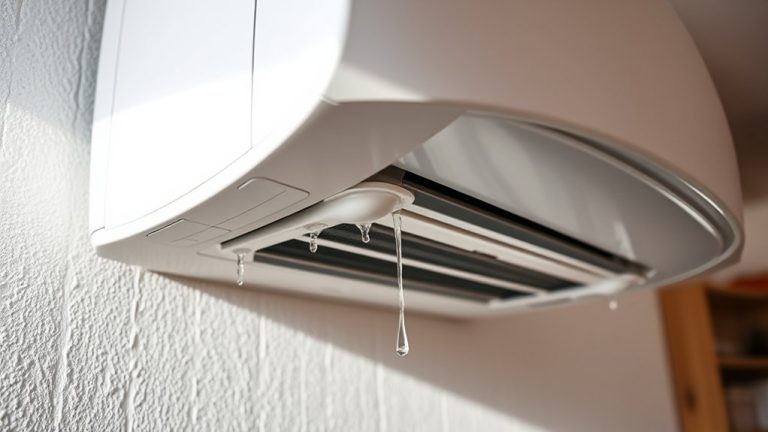
In Dry Mode, this process enables efficient moisture extraction by condensing humidity from the indoor air onto the evaporator coils. The condensate then drains away, effectively lowering humidity levels without drastically cooling the room.
This mode uses reduced fan speeds to optimize moisture removal while conserving energy. As a result, you maintain comfort on muggy days without overcooling.
Key aspects of the moisture extraction process include:
- Cooling indoor air just enough to condense water vapor without significant temperature drop
- Intermittent operation to balance humidity reduction and energy efficiency
- Continuous drainage of collected water to prevent mold and mildew growth
Dry Mode precisely targets humidity for improved indoor air quality.
Compressor And Fan Operation
The compressor cycles on and off intermittently to target humidity reduction rather than continuous cooling. This helps optimize moisture removal from the air.
In Dry Mode, the compressor’s intermittent operation focuses on extracting moisture, which uses less energy compared to standard Cooling Mode.
Meanwhile, the fan runs at a lower speed. This extends the time air contacts the evaporator coil and enhances condensation of moisture.
When the compressor shuts off, the fan also stops. This prevents collected moisture from re-entering the room.
This coordinated operation manages indoor humidity efficiently without drastically lowering the temperature, so comfort is maintained.
Dry Mode vs. Cooling Mode Differences
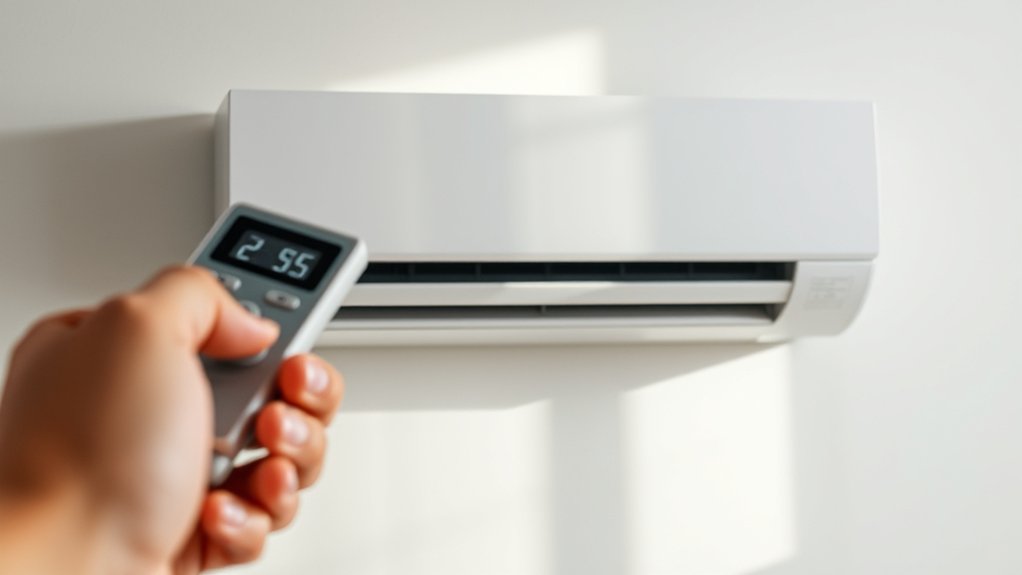
You’ll notice Dry Mode cycles the compressor on and off to remove moisture, but it doesn’t really drop the temperature much.
On the other hand, Cooling Mode keeps the compressor running continuously to cool the air.
Because of this, Dry Mode usually uses less energy since it runs components at slower speeds.
Knowing these differences in how they work and how much energy they use can help you pick the best mode for your comfort and efficiency.
Operation Differences
Although both Dry Mode and Cooling Mode aim to reduce indoor discomfort, they operate differently to achieve their goals.
Dry Mode focuses on high humidity by running the compressor intermittently and using lower fan speeds. This helps remove excess moisture without significantly lowering the air temperature.
Cooling Mode, on the other hand, keeps the compressor running continuously to lower the room temperature. This indirectly reduces humidity but uses more energy.
Here are some key differences:
Dry Mode cycles the compressor every 15 minutes and pauses the fan to stop moisture from coming back. Cooling Mode runs both the compressor and fan all the time.
Also, Dry Mode’s slower fan speed helps maximize condensation on the evaporator coils, which removes more moisture.
Cooling Mode is more about cooling than moisture control, so it’s not as effective at controlling humidity as Dry Mode.
Energy Consumption
When managing indoor humidity without drastically lowering the temperature, dry mode consumes considerably less energy than cooling mode.
Dry Mode operates with slower fan speeds and intermittent compressor cycling, which reduces power demand and amp draw. This targeted approach efficiently removes moisture from the air without continuous cooling, enhancing energy efficiency.
Unlike cooling mode, which runs the compressor continuously to drop temperature markedly, dry mode focuses on dehumidification. It produces less cold air and draws less electricity.
By using dry mode during humid or changing seasons, you optimize system performance and save on electricity bills.
Adopting dry mode when appropriate helps you control indoor humidity effectively while minimizing energy consumption.
It’s a smarter choice for maintaining comfort and reducing operational costs.
Dry Mode Energy Savings
Since dry mode operates at lower fan speeds and compressor capacity, it achieves about 20-30% energy savings compared to standard cooling.
By prioritizing humidity control over aggressive cooling, Dry Mode reduces the air conditioner’s electricity consumption effectively.
Focusing on humidity instead of intense cooling, Dry Mode cuts electricity use efficiently.
Its intermittent compressor operation lowers electrical demand, which can cut your utility bills during humid periods.
Plus, this mode lessens wear on the unit, which might help extend its lifespan.
Key benefits of Dry Mode energy savings include:
- Reduced power draw by operating compressor and fan at lower levels
- Efficient humidity management without excessive cooling
- Lower monthly energy costs, especially in humid climates
Using Dry Mode smartly helps you maintain comfort while optimizing energy use and protecting your air conditioner.
It’s a simple way to save energy without sacrificing how comfortable your home feels.
Which ACs Have Dry Mode?
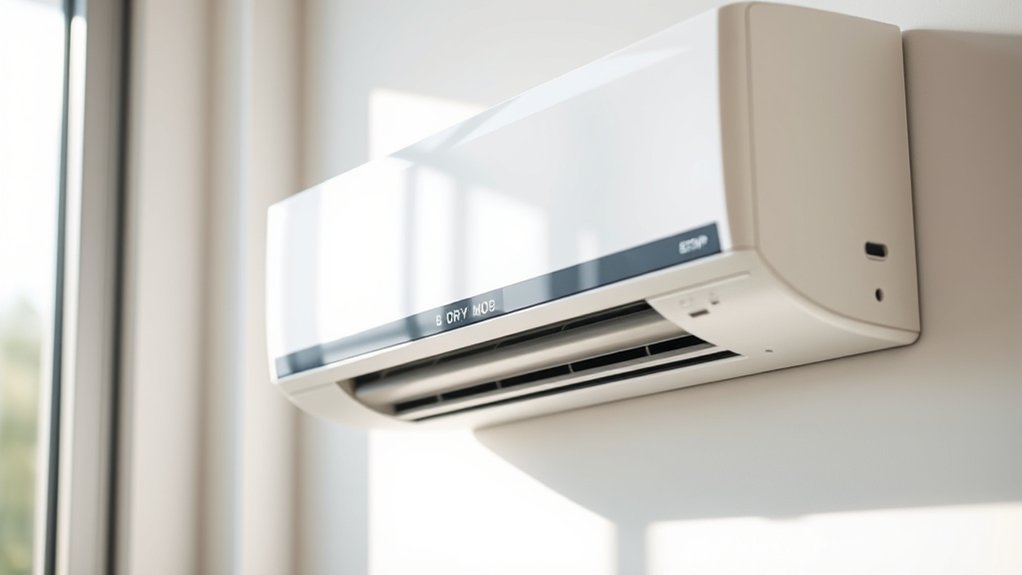
You’ll mostly find Dry Mode in modern mini-split and ductless air conditioners.
It’s also common in many newer central systems that are built to handle dehumidification efficiently.
On the other hand, older window units often don’t have this feature, so it’s a good idea to check your specific model carefully.
Just look for labels like “Dry,” “Dehumidify,” or even a little water droplet icon to see if your AC supports Dry Mode.
Common AC Types
Although not all air conditioners include a Dry Mode, many modern systems, such as mini-split and ductless units, feature this function to efficiently reduce indoor humidity.
Dry Mode acts like a dehumidifier, extracting moisture from the air without drastically lowering the temperature.
When you’re choosing an air conditioner, understanding which types offer Dry Mode can really help you manage humidity effectively.
It’s a handy feature to have, especially in humid climates.
Common AC types with Dry Mode include:
- Mini-split and ductless air conditioners, which often have this feature for precise humidity control.
- Newer central AC units, usually equipped with Dry Mode to balance cooling and dehumidification.
- Select window units, though less commonly, may provide this function for localized moisture reduction.
If you want to activate this mode, look for “Dry,” “Dehumidify,” or a water droplet icon on your AC remote or unit.
It’s usually easy to spot and use!
Feature Availability Factors
When selecting an air conditioner, understanding which models include Dry Mode is essential for effective humidity management.
Dry Mode is typically available in mini-split, ductless, and newer central HVAC systems designed to efficiently reduce moisture without overcooling.
If humidity is high, these units regulate indoor moisture levels better than standard cooling modes, which primarily focus on cooling the room.
Older AC systems and many basic window units often lack Dry Mode, limiting their ability to control humidity effectively.
To verify if your HVAC system has Dry Mode, check for labels such as “Dry,” “Dehumidify,” or a water droplet icon on the unit or remote.
Choosing an AC with this feature guarantees precise humidity control, especially in regions where humidity is consistently high.
Identifying Dry Mode
Since Dry Mode plays a key role in controlling indoor humidity, knowing whether your air conditioner includes this feature is essential.
You can identify Dry Mode by checking your AC unit or remote control for a button labeled “Dry,” “Dehumidify,” or a water droplet icon. This mode reduces humidity without greatly lowering temperature, improving air quality in humid environments.
To identify if your AC has Dry Mode, inspect the remote or unit for Dry Mode indicators.
Also, review the user manual or product specifications. Consider the type of AC too—modern mini-split and ductless systems commonly include Dry Mode, while older and basic window units often do not.
Using Dry Mode effectively manages humidity, which enhances comfort and indoor air quality.
It’s a simple way to make your living space feel better, especially in humid weather.
Finding the Dry Mode Button on Your Remote
Where can you find the Dry Mode button on your air conditioner’s remote? Typically, it’s integrated with the mode button. You just need to press it repeatedly until the Dry Mode setting appears.
On many remote controls, this function is shown by a water droplet icon, which signals its role in managing humidity. Some models even have a digital display menu on the remote, letting you navigate to select Dry Mode precisely.
Activating this mode adjusts the unit to reduce indoor humidity without overcooling the room. Knowing exactly where and how to access the Dry Mode button means you can easily control moisture levels during humid days.
This helps optimize comfort and the air conditioner’s performance.
Best Times to Use Dry Mode
Anyone looking to optimize indoor comfort should consider using Dry Mode during periods of elevated humidity.
Dry Mode is most effective in hot and humid weather, especially in spring and fall, when reducing humidity improves comfort without overcooling your space.
Dry Mode excels in hot, humid conditions—ideal for spring and fall to boost comfort without overcooling.
Before activating Dry Mode, check indoor humidity levels, as it’s not efficient in low humidity conditions.
Use Dry Mode to minimize mold and mildew risks, enhancing air quality during damp weather.
The best time to use Dry Mode is when humidity spikes but cooling isn’t necessary.
During muggy conditions to reduce humidity efficiently
In shifting seasons like spring and fall when humidity fluctuates
When you want to maintain comfort without excessive cooling
How Long to Run Dry Mode
How long you run Dry Mode on your air conditioner depends on balancing humidity reduction with maintaining comfortable indoor air quality. Typically, using this mode for a few hours at a time effectively lowers humidity without causing excessive dryness.
You should monitor indoor humidity levels before and after use, aiming to keep relative humidity between 30-50%.
In high humidity conditions, you can use this mode daily to prevent mold growth and discomfort. Dry Mode is especially useful during changing seasons, like spring and fall, when humidity rises but temperatures stay moderate.
Just avoid running Dry Mode for extended periods because it may overly dry the air, which reduces comfort and indoor air quality.
Adjust the duration based on your specific humidity readings and comfort preferences to get the best results. It’s all about finding the right balance that works for your home and keeps you feeling comfortable.
Benefits of Dry Mode for Comfort
Effectively managing indoor humidity with Dry Mode not only controls moisture levels but also improves overall comfort in your living space.
Dry mode can help reduce indoor humidity without drastically lowering the temperature, making the environment feel less sticky and more pleasant.
By operating the compressor and fan at lower speeds, it consumes less energy, which can lead to lower electricity bills.
Plus, maintaining ideal humidity levels helps prevent mold and mildew growth, which is essential for healthier air quality.
Key benefits include:
- Reduced moisture, alleviating discomfort caused by damp air.
- Prevention of mold and mildew, protecting your home and health.
- Energy-efficient operation, contributing to lower electricity bills.
Using dry mode effectively guarantees a more comfortable and healthier indoor environment.
It’s a simple way to make your home feel better and keep your air quality in check.
Dry Mode Myths Debunked
Why do so many misconceptions surround the Dry Mode on air conditioners? Many think Dry Mode simply cools the air like Cooling Mode, but it actually prioritizes reducing humidity without considerably lowering temperature.
Dry Mode reduces humidity rather than just cooling the air like traditional Cooling Mode.
Contrary to the myth that Dry Mode is ineffective, it runs the compressor in short cycles with a lower fan speed, enhancing dehumidification efficiency.
You might assume Cooling Mode suffices for moisture control, but Dry Mode specifically targets humidity removal while consuming less electricity due to reduced operational intensity.
It’s also false that Dry Mode runs continuously like Cooling Mode; instead, it cycles to optimize moisture extraction and air circulation.
Understanding these distinctions helps you use Dry Mode effectively to maintain comfort while saving energy.
Frequently Asked Questions
Can Dry Mode Cause the Room Temperature to Drop Significantly?
Dry mode won’t cause the room temperature to drop considerably because it focuses on controlling humidity rather than cooling.
You’ll notice the air feels less damp, which makes the room more comfortable, but the temperature usually only drops by a few degrees.
The compressor runs intermittently in this mode, which helps save energy since it uses less power than full cooling mode.
Is Dry Mode Suitable for All Types of Air Conditioners?
You’ll find that dry mode isn’t suitable for all air conditioner types.
Modern mini-split and ductless systems often include dry mode benefits like enhanced humidity control and energy efficiency.
However, older units and many window air conditioners lack this feature and rely on standard cooling instead.
So, if you want precise humidity management and energy savings, it’s a good idea to check your unit’s capabilities.
Dry mode’s advantages really depend on the type of air conditioner you have.
Does Dry Mode Affect Indoor Air Quality Beyond Humidity?
Yes, dry mode positively affects indoor air quality beyond just humidity control.
By enhancing air circulation, it efficiently removes moisture and limits allergens like mold and dust mites. This moisture removal reduces respiratory irritants, which makes your environment healthier.
Plus, dry mode operates with greater energy efficiency than full cooling. It’s quieter and more cost-effective, too.
How Often Should Dry Mode Filters Be Cleaned or Replaced?
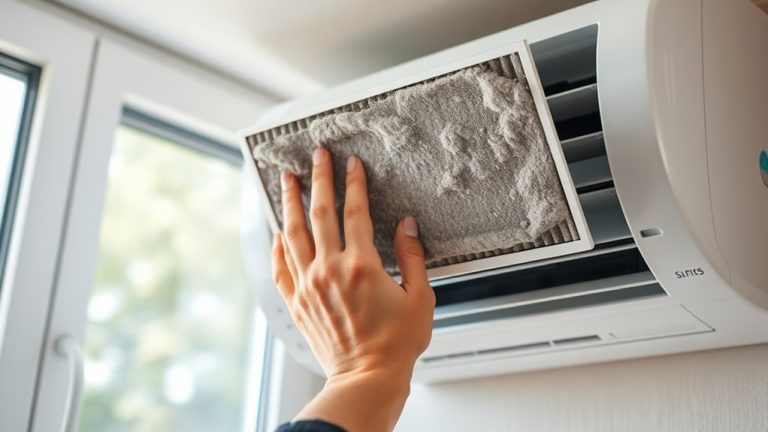
Think of filter maintenance as giving your air conditioner a little spa day. You should clean or replace dry mode filters every 1 to 3 months, depending on use and dust levels.
Staying on top of these filter maintenance tips boosts energy efficiency, enhances moisture reduction, and extends equipment lifespan.
If airflow drops or odors creep in, act promptly. Regular attention guarantees your system runs smoothly and saves you money over time.
It’s really worth keeping an eye on those filters!
Can Dry Mode Help With Allergy Symptoms or Respiratory Issues?
Yes, dry mode can provide significant allergy relief by lowering humidity levels. This helps reduce mold and dust mite growth, which are common allergy triggers.
By maintaining an ideal comfort balance, it improves respiratory health and minimizes irritation and asthma symptoms.
Using dry mode regularly helps control indoor moisture and enhances air quality. This reduces allergens and supports a healthier environment.
It makes breathing easier and increases overall indoor comfort for those with respiratory issues.
Conclusion
Think of Dry Mode as a skilled gardener pruning excess moisture from the air. It allows your indoor environment to breathe freely without chilling you like Cooling Mode might. It carefully extracts humidity, creating a comfortable atmosphere while saving energy.
By understanding when and how to use Dry Mode, you control your air conditioner’s subtle art. You balance dryness and comfort with precision, much like tending a delicate ecosystem with expert care.